

January 9, 2026
New
Video logging
You can now log videos in Keywords AI. Video file likemp4, mov, wmv, avi, etc. are supported in Logs, Playground, Prompts, and Experiments.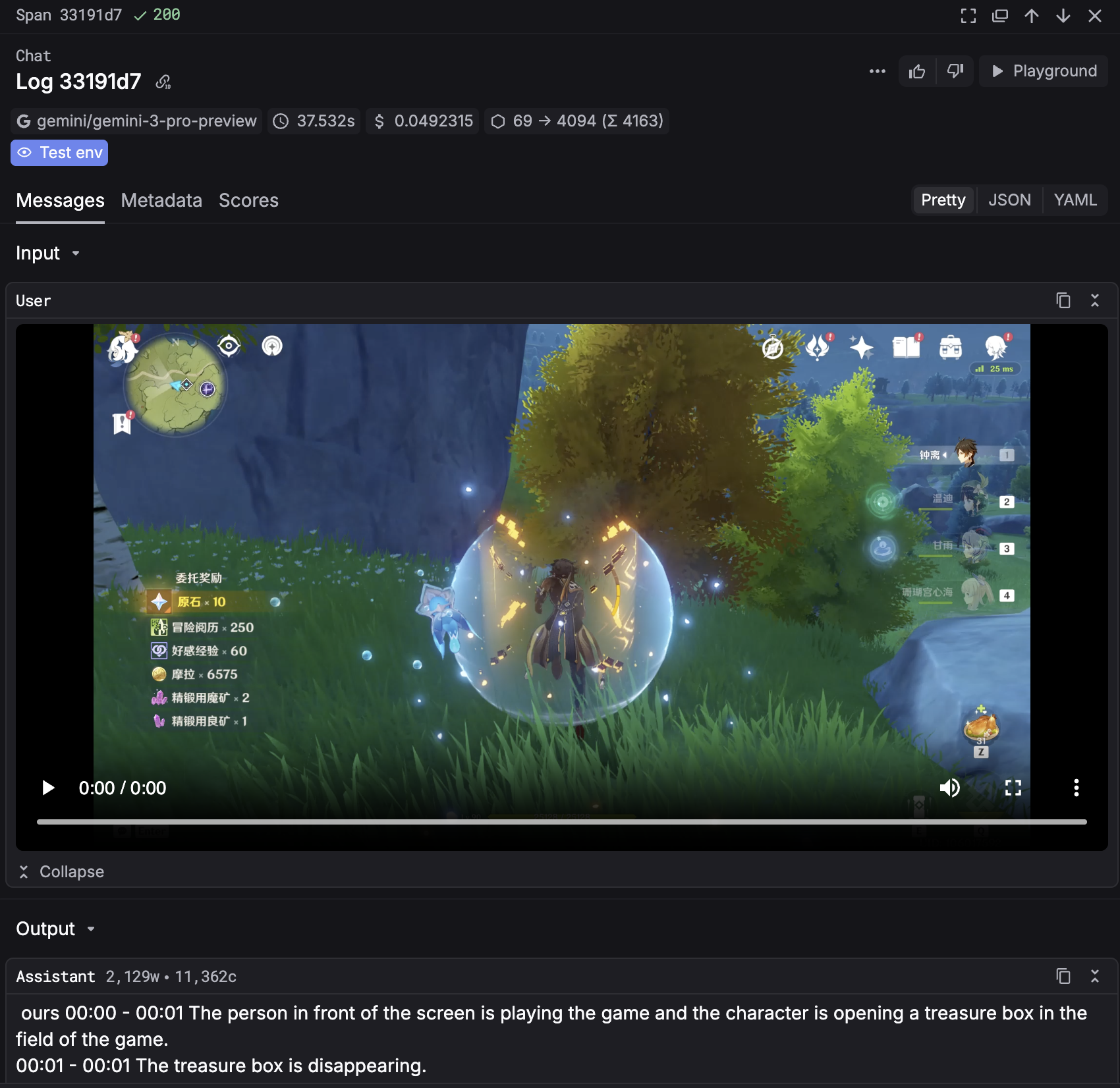
Log type is available in Logs.
You can now define and check the type of the log in the Logs page where you can filter logs by type.You can see the definition and classification of the log type here.Improved
- Improved UI of Evaluators. We have replaced
llm_outputandllm_inputwithoutputandinputin the evaluator configuration. - You can now define name for each export in Logs.
Fixed
- Fixed a bug where custom providers can’t be deleted.
- Fixed a bug where commit message was not saved in Prompts.
- Fixed a bug where the first seen timestamp was not accurate in Users.
January 2, 2026
New
Keywords AI 2025 Wrapped is here!
We just launched Keywords AI 2025 Wrapped - a summary of your usage in 2025.You can see your total usage, top prompts, top users, and more. Check it out here.
Improved
- Improved JSON view in Logs.
- Improved UI of Tree view in Traces - added hightlight for span that is currently selected.
- Improved the workflow of adding custom models and providers.
Fixed
- Fixed a bug where
Clear filtersbutton didn’t work in Logs. - Fixed a bug where filters didn’t work properly when applied multiple filters in Logs.
- Fixed a bug where
Save as promptdidn’t work in Logs. - Fixed a bug where
Feedbackdidn’t work properly in Logs. - Fixed a bug where average monthly cost for users is inaccurate in Users.
December 26, 2025
New
Custom model in Playground
You can now call your custom models in the Playground. Add custom models through Keywords AI Models page and call them through LLM gateway and Playground.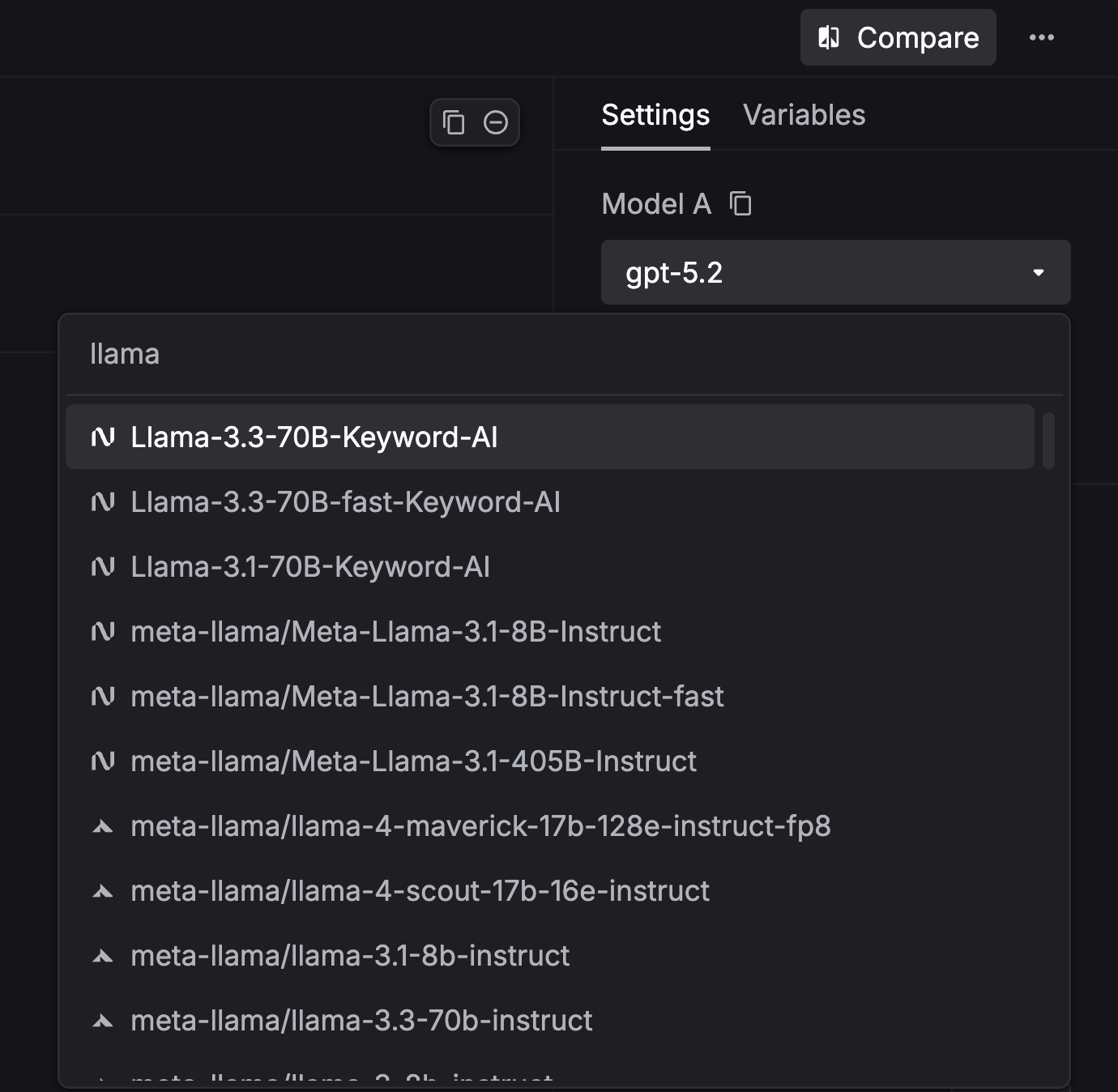
YAML and Tree view mode for all side panels
YAML and Tree view mode are now available for all side panels in the platform, including Logs, Traces, Threads, and Scores.Improved
- Added
Log type,Streamed,Input tokens, andOutput tokensto the Side panel in Logs. - Improved JSON view in Logs.
- Added
Xhighreasoning effort option for GPT-5.2 models in Prompts & Playground. - Improved UI of side panel in Logs.
- Improved UX of Customer LLM provider page.
Fixed
- Fixed a bug where applies wrong filter when clicking on Top users in Dashboard.
- Fixed a bug where
This weekview has less datapoints than expected.
December 19, 2025
New
Click through from the top prompt graph
The top prompt graph is now clickable - select any prompt to jump straight to its prompt details page. This makes it faster to investigate spikes, compare versions, and debug results without leaving the dashboard.YAML and Tree view mode for logs
You can now switch log data between Formatted, JSON, YAML, and Tree views in the side panel. Your selection is saved as a preference and persists across sessions.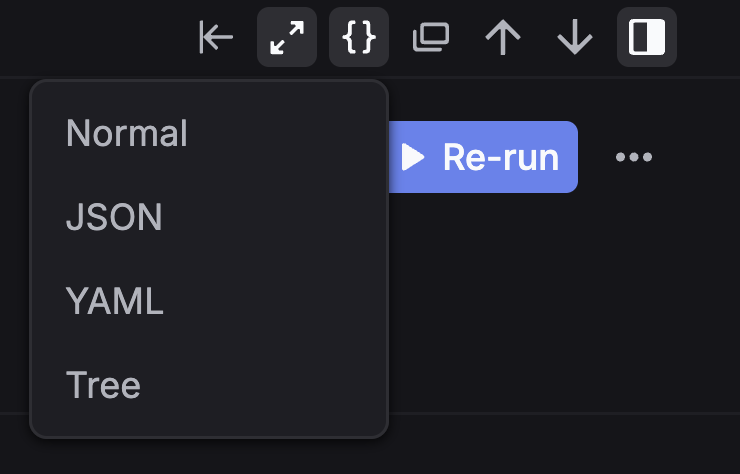
Google Gemini 3 Flash support
Keywords AI now supports Gemini 3 Flash across the product, including the LLM Gateway, Playground, Prompts, and Experiments.Increased LLM Gateway rate limit for Team plan
We’ve increased the Team plan rate limit for the LLM Gateway to 15,000 requests per minute.Improved
- Added
reasoning effortoption for GPT-5.2 models in Prompts & Experiments. - Added
This weekoption in Dashboard. - Improved the model selection UI in Prompts.
- Improved filtering in Logs.
Fixed
- Fixed a bug in the Dashboard where the cost chart was inconsistent with other charts.
- Fixed a bug where Customer name and email were not displayed in the side panel in Logs.
- Fixed a bug where the filter didn’t work when the workflow name contained a
.character. - Fixed a bug where
tool_choicewas always set toautoin Prompts. - Fixed a bug where
View codein Prompts was inaccurate. - Fixed a bug where Comments were not saved in Prompts.
- Fixed a bug where sorting didn’t work in Users.
- Fixed a bug where
customer_identifierdid not work when creating a user.