What is a dataset?
A dataset is a curated collection of logs (inputs/outputs + metadata) that you can evaluate, annotate, and use to power Experiments.Resources
Steps to use
- Sampling existing logs
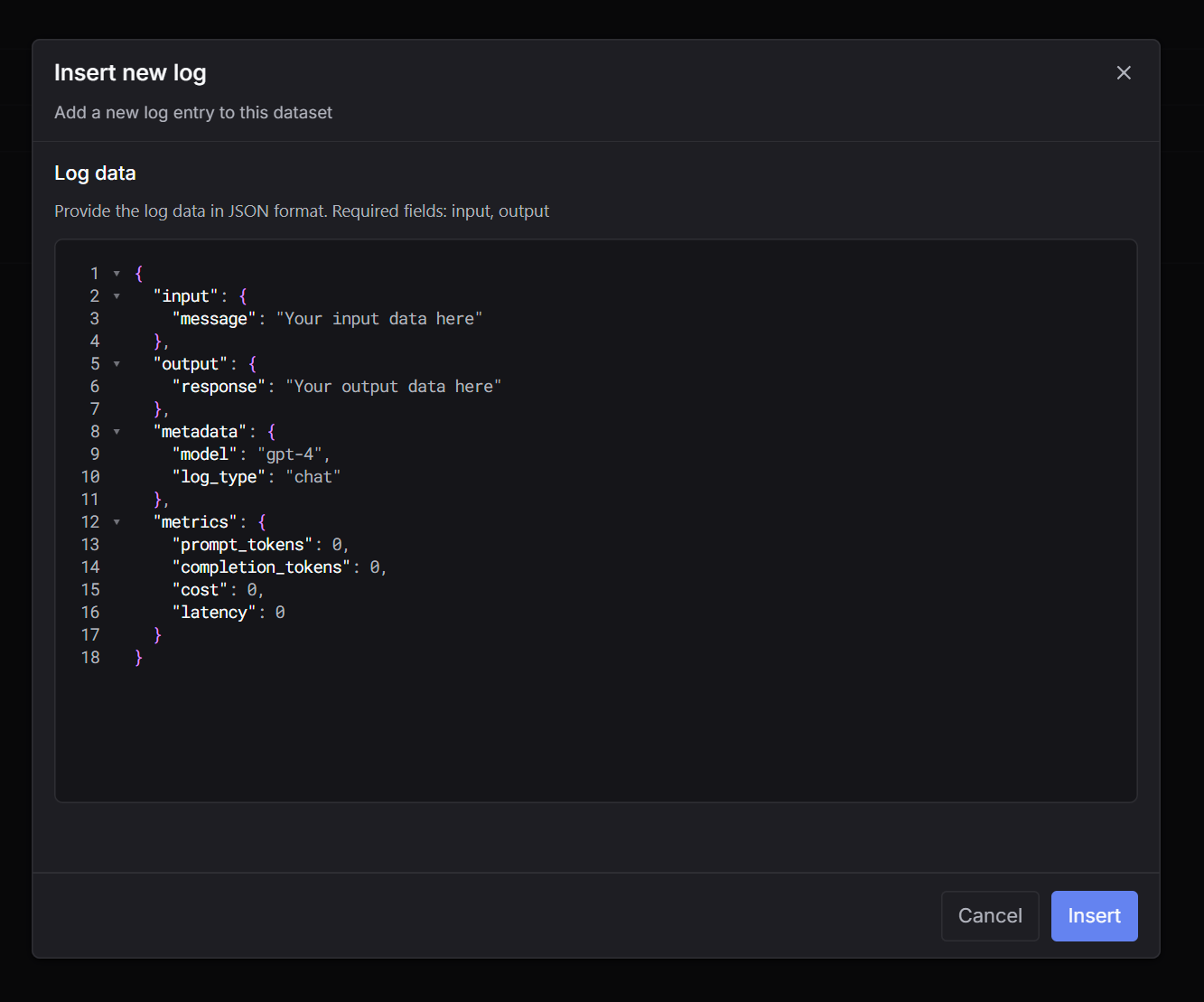
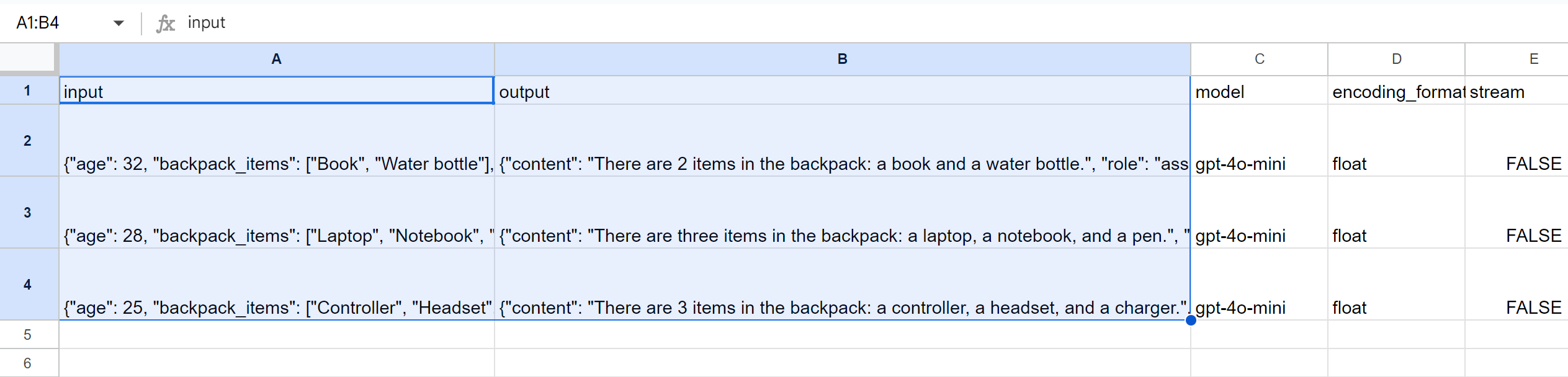
- Create empty + add logs (JSON/CSV)
Step 1: Go to Datasets and click Create
Open the Keywords AI platform, navigate to Datasets, then click Create dataset.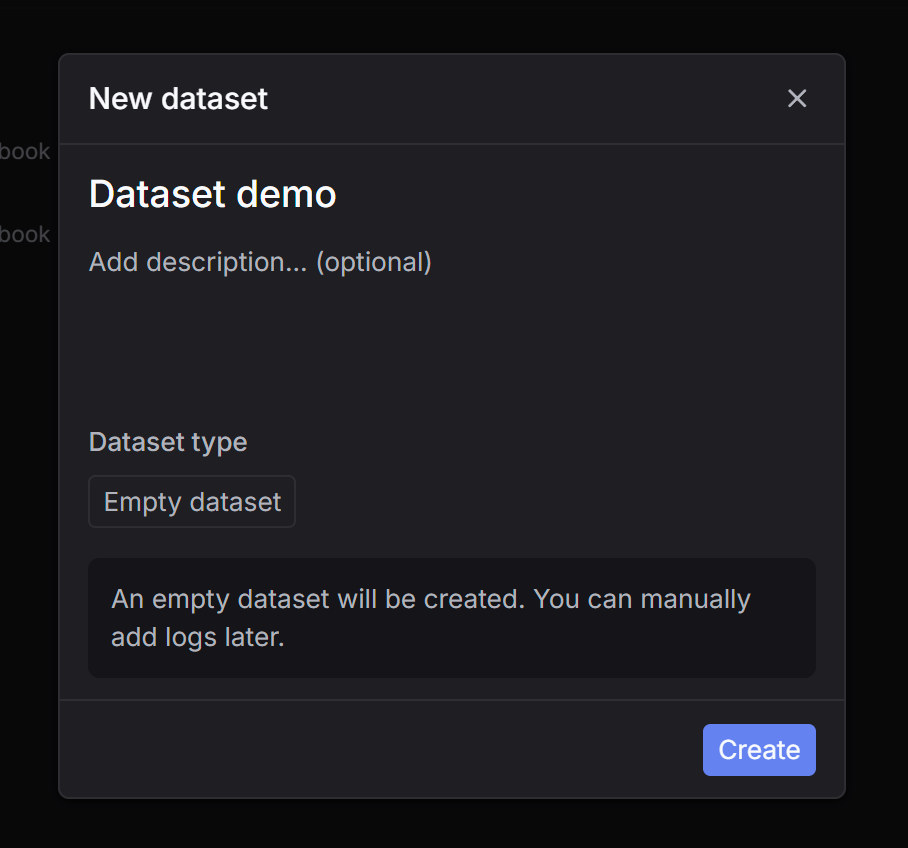
Step 2: Choose “From logs (sampling)”
In the creation modal, choose dataset type From logs (sampling).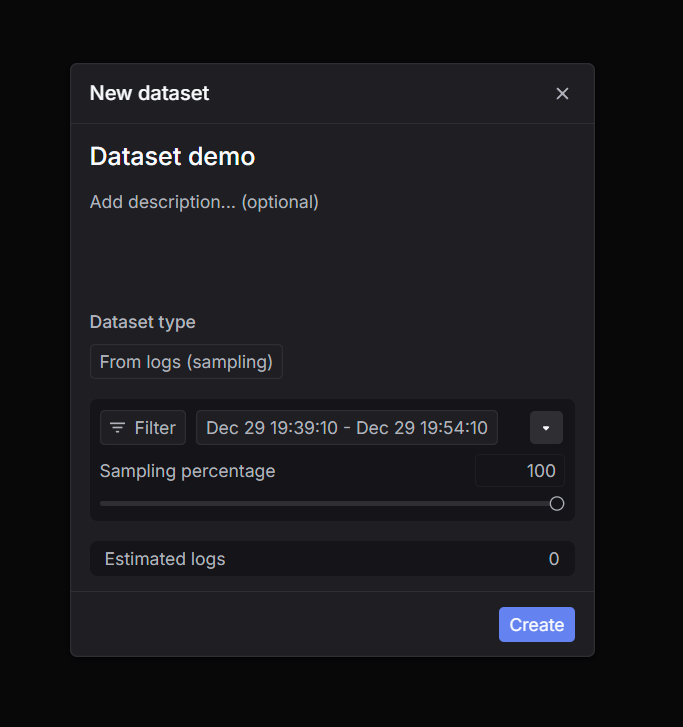
Step 3: Set filters, time range, and sampling percentage
Configure: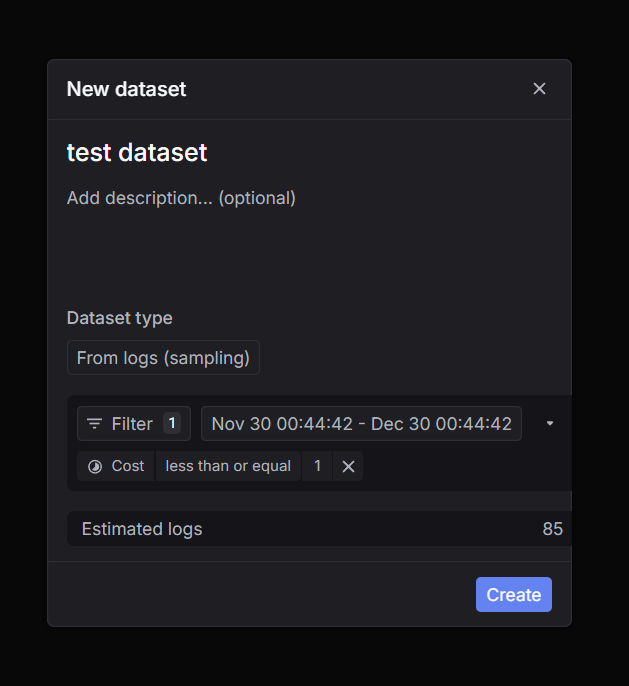
- Filters: narrow down which logs to include (e.g.
status_code = 200, a specificmodel, metadata filters) - Time range: the window of logs to sample from
- Sampling percentage: how much of matching logs to include
Step 4: Create, wait for ingestion, and verify logs
Click Create. The dataset will begin processing while logs are being added.Depending on the size of the time range and filters, it may take some time until the dataset is fully populated.When it finishes, open the dataset and confirm: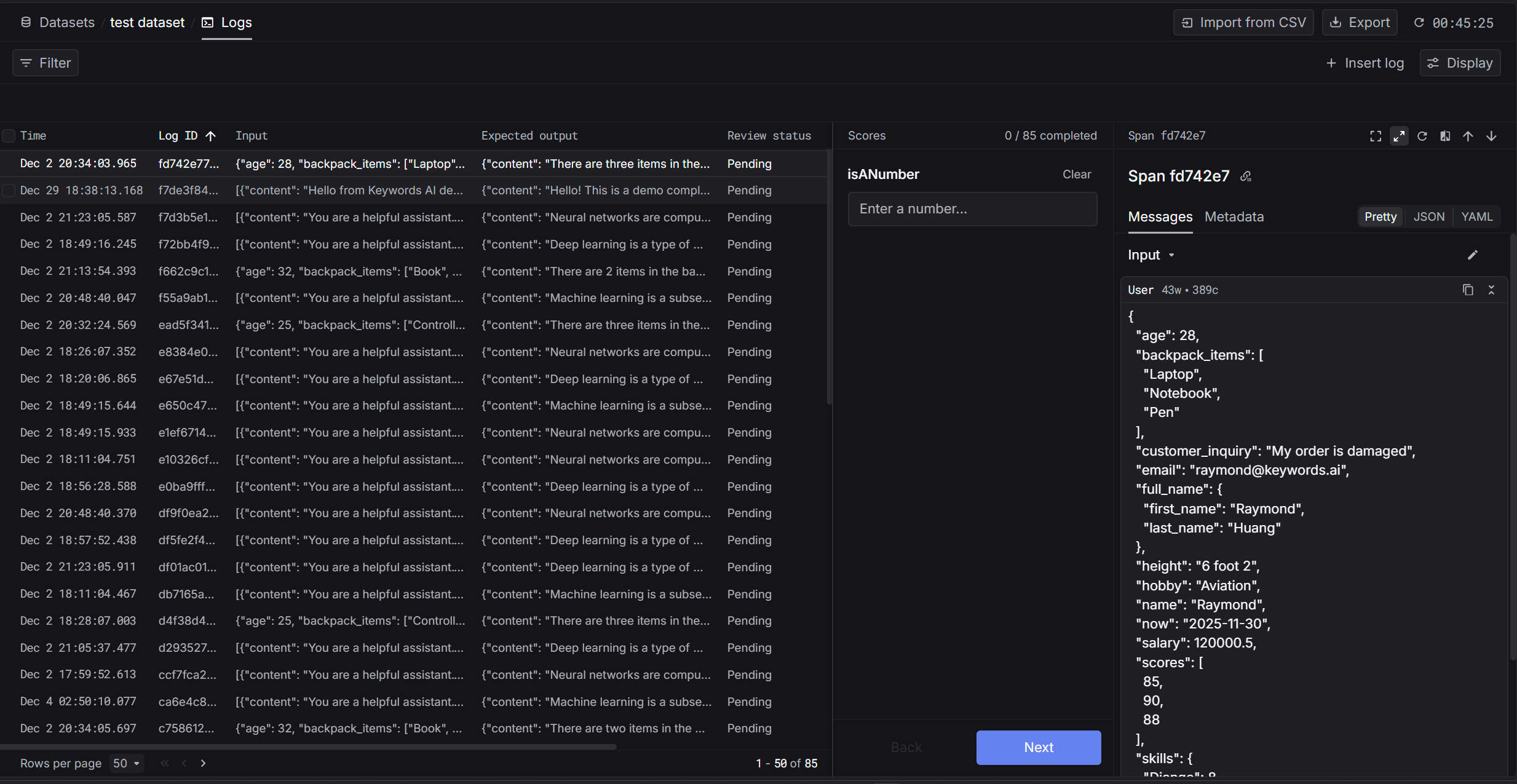
log_countis non-zero- logs appear in the dataset logs table