What is Experiments?
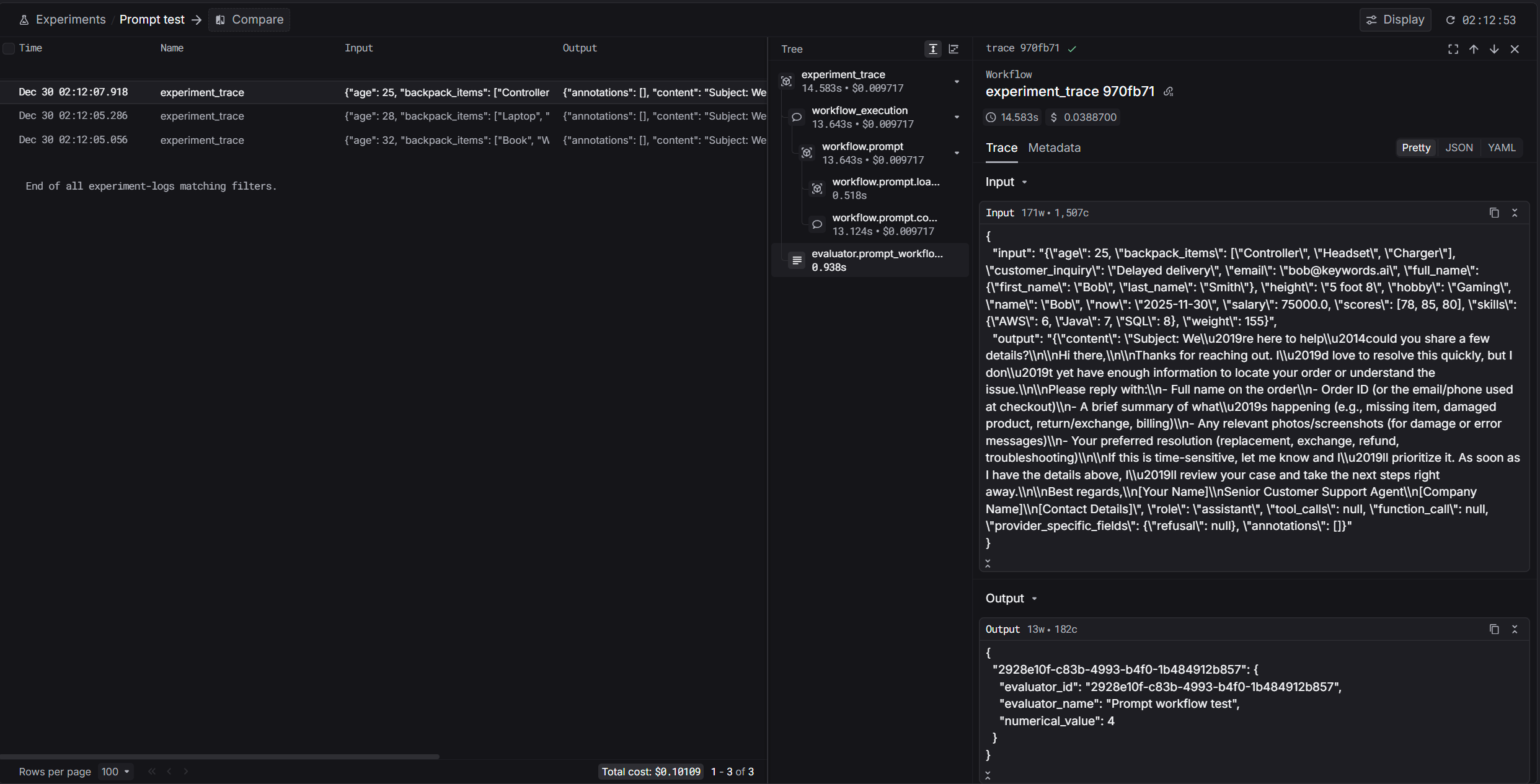
Experiments lets you run repeatable evaluations over a dataset and inspect outputs, evaluator scores, and run status in the UI.This page focuses on the UI flow. If you prefer code, see Run Experiments via API.
Resources
Steps to use
- Prompt
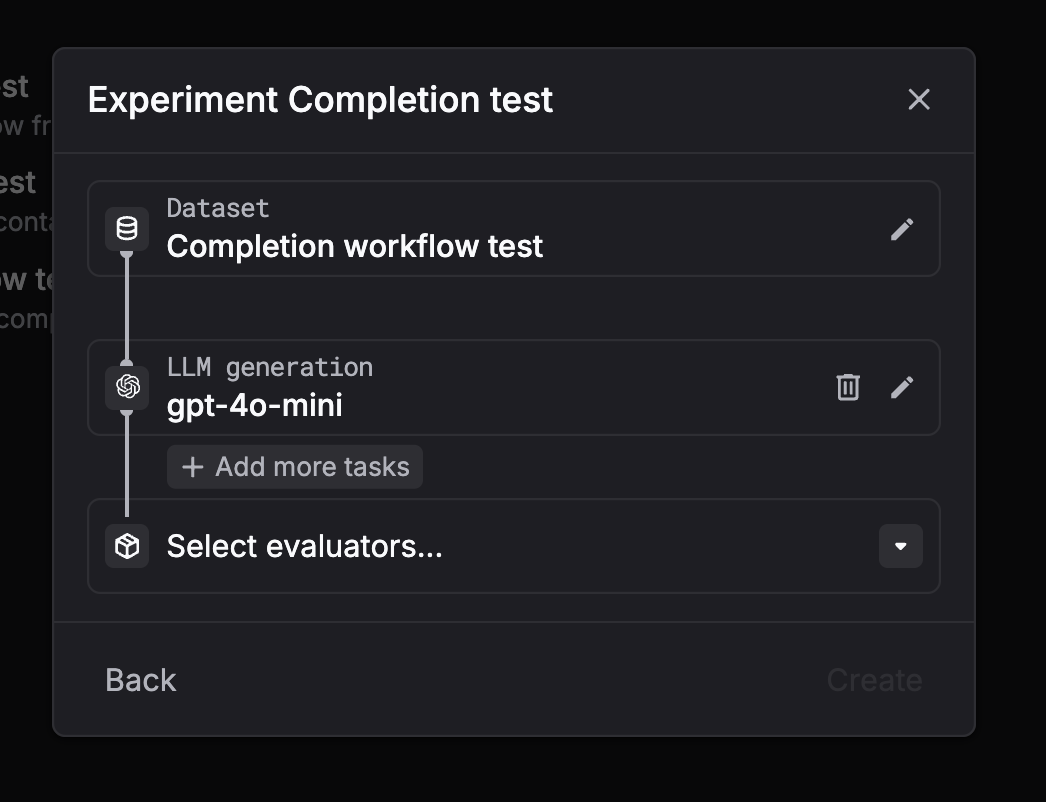
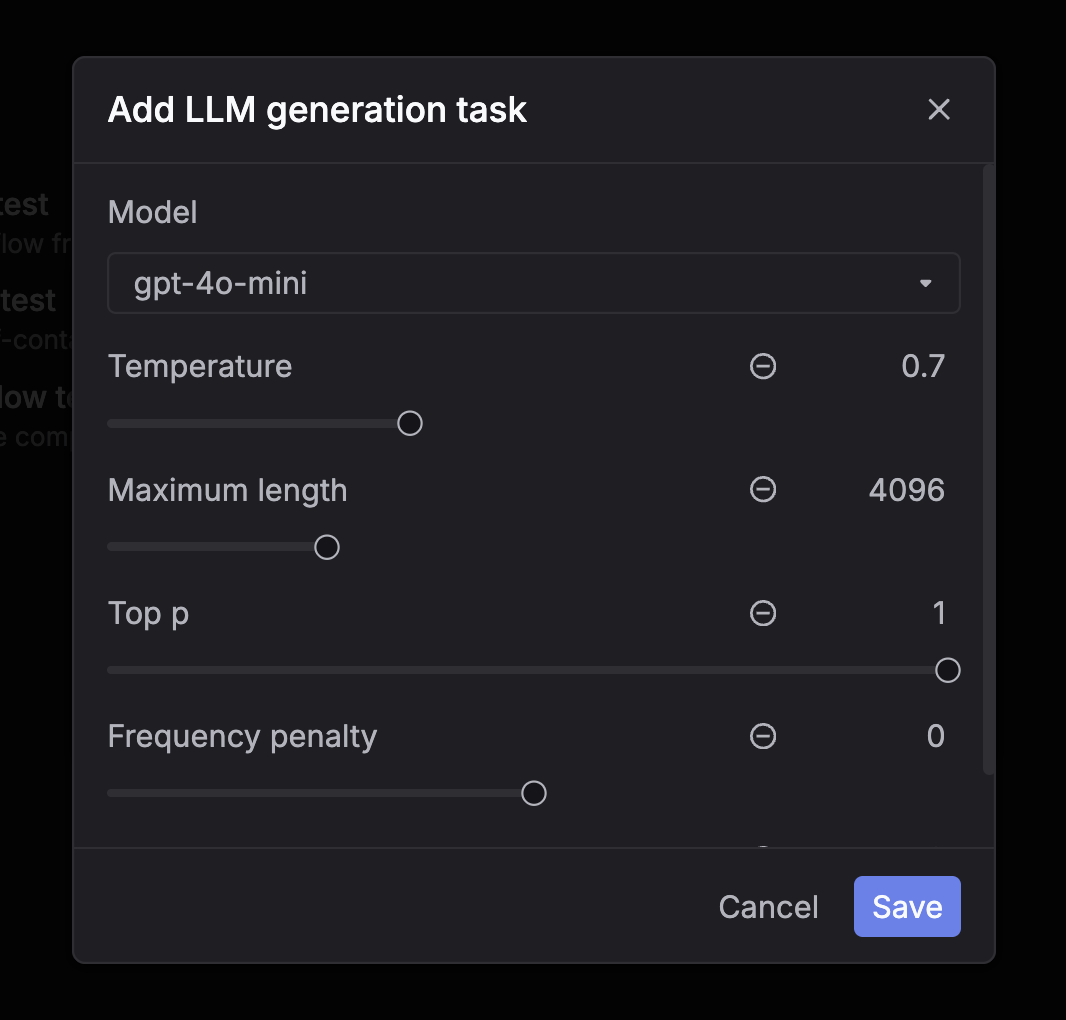
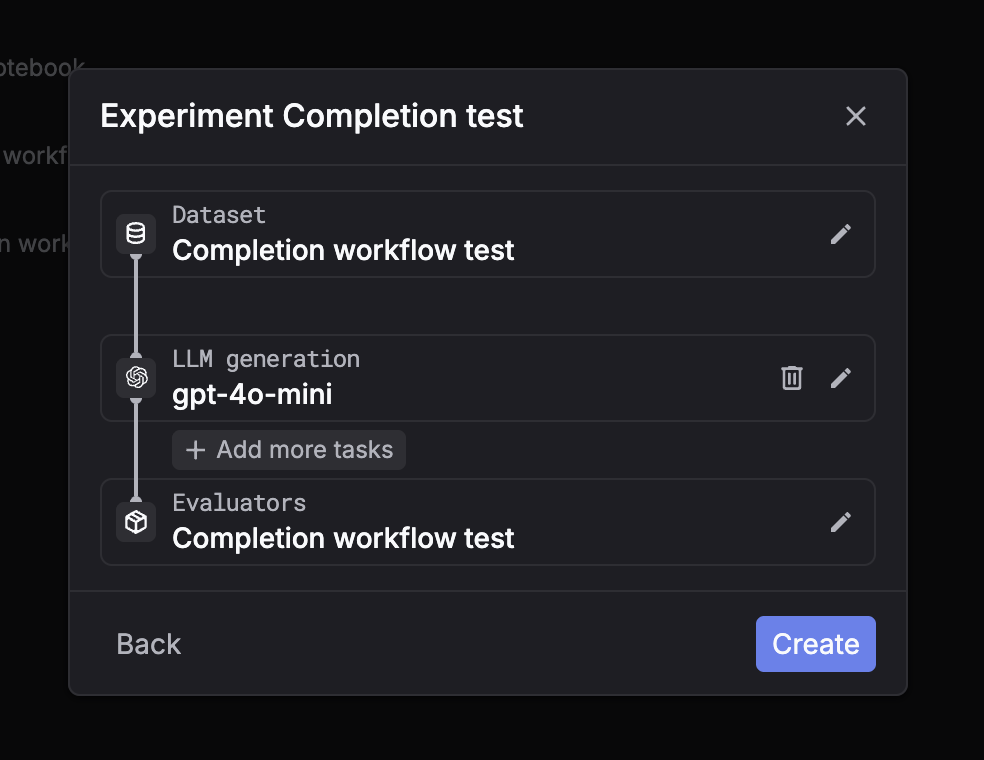
- LLM generation (chat completion)
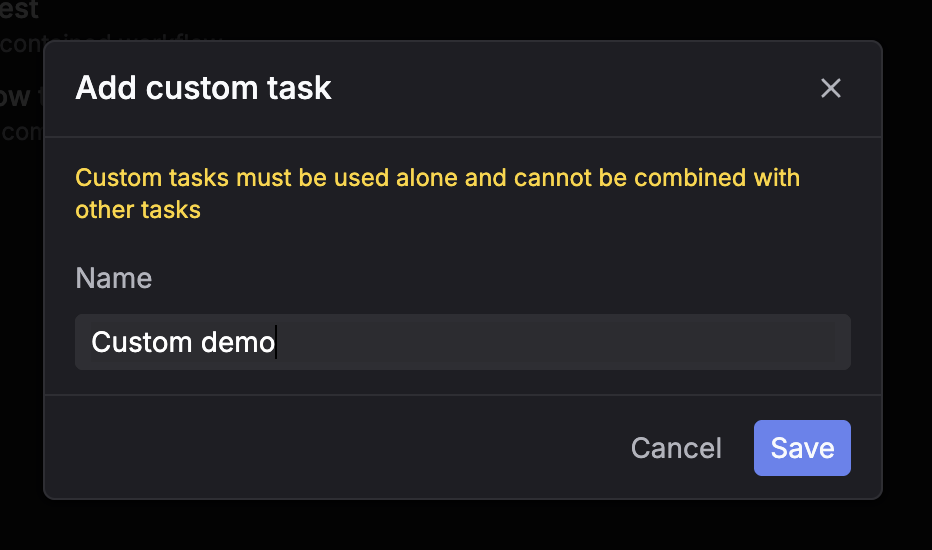
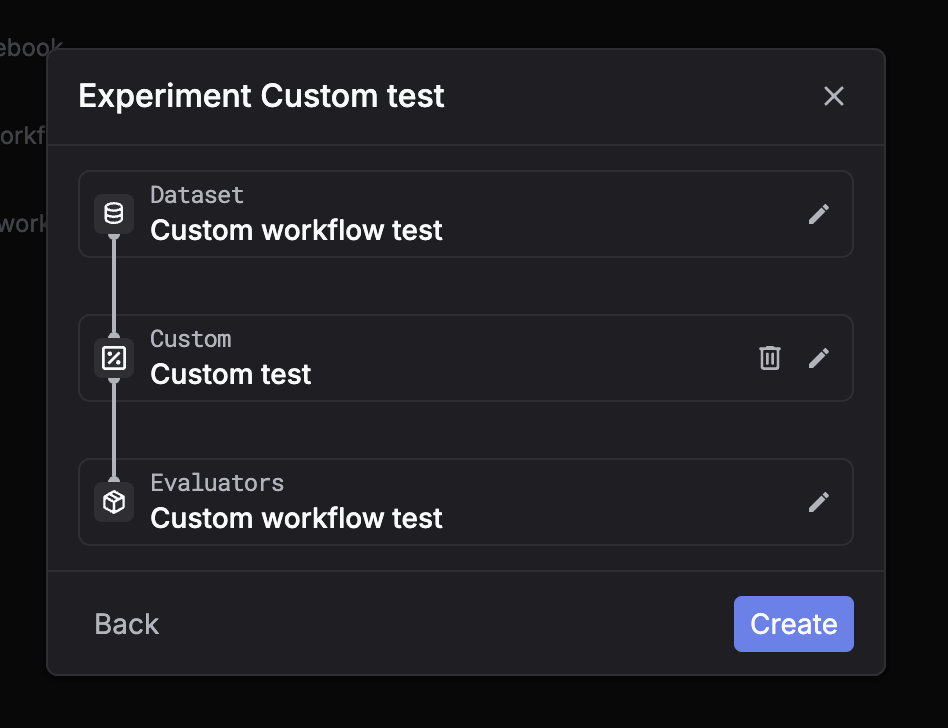
- Custom
1
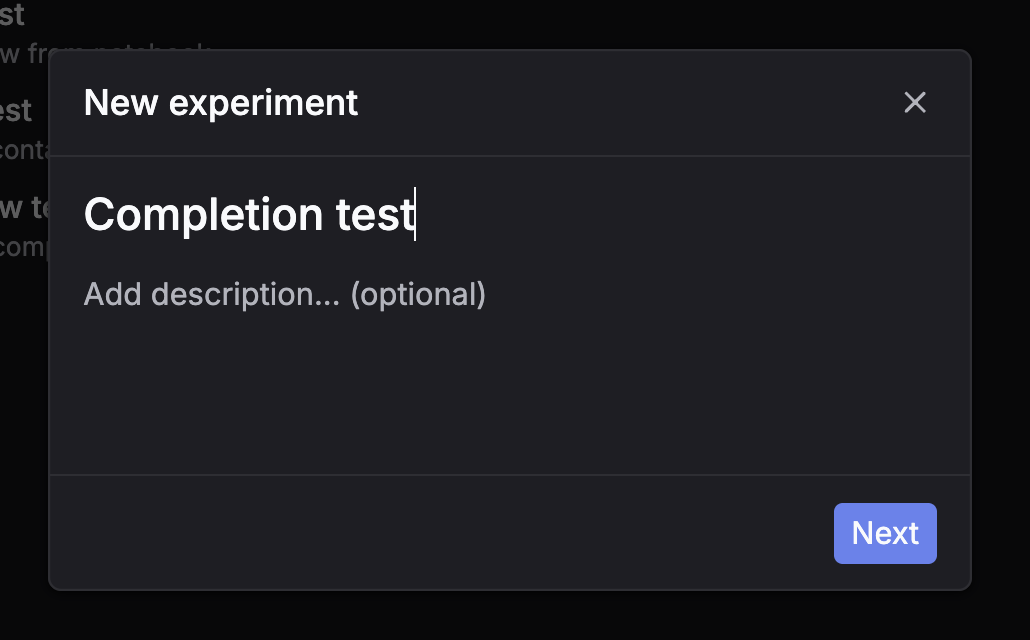
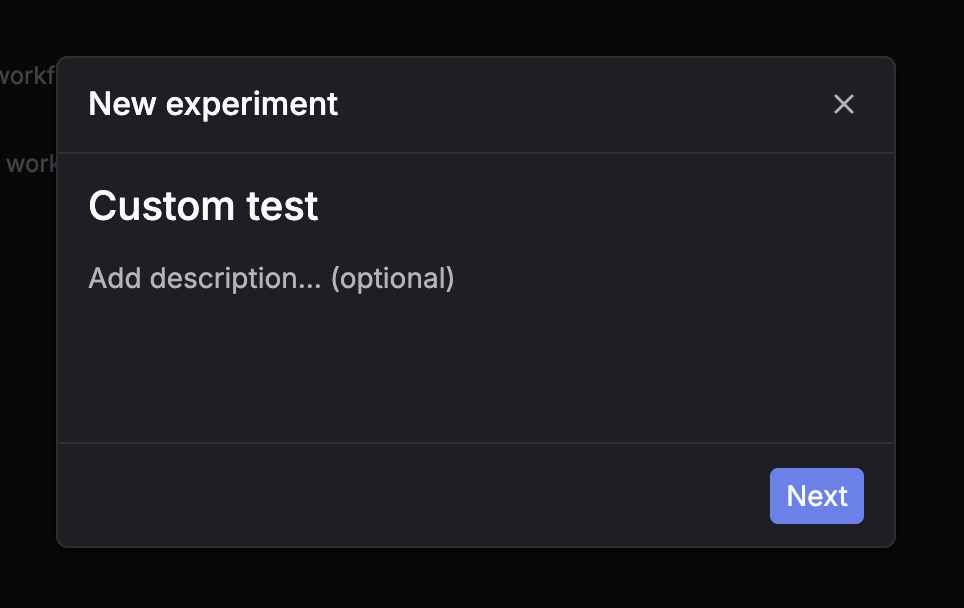
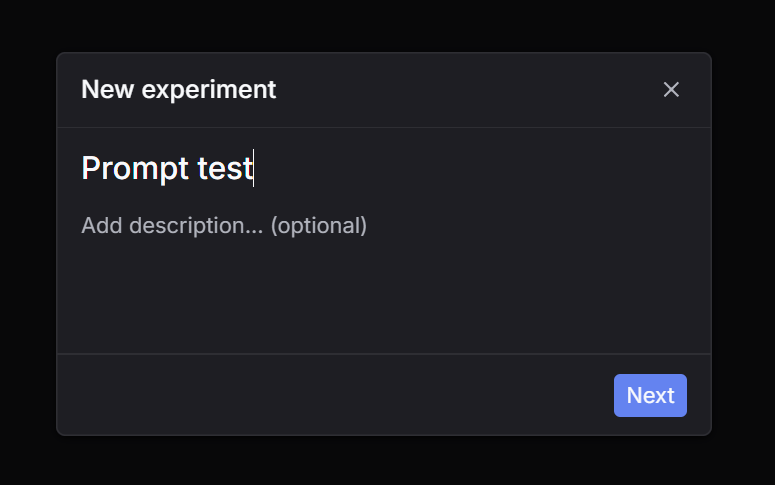
Step 1: Click New experiment
Go to Experiments and click New experiment.

2
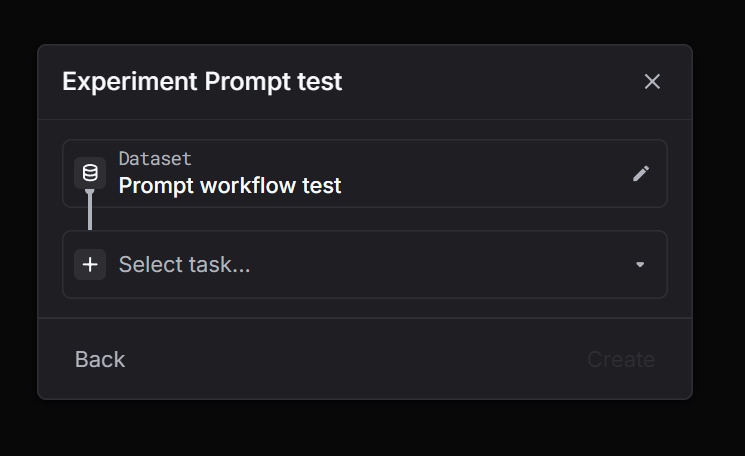
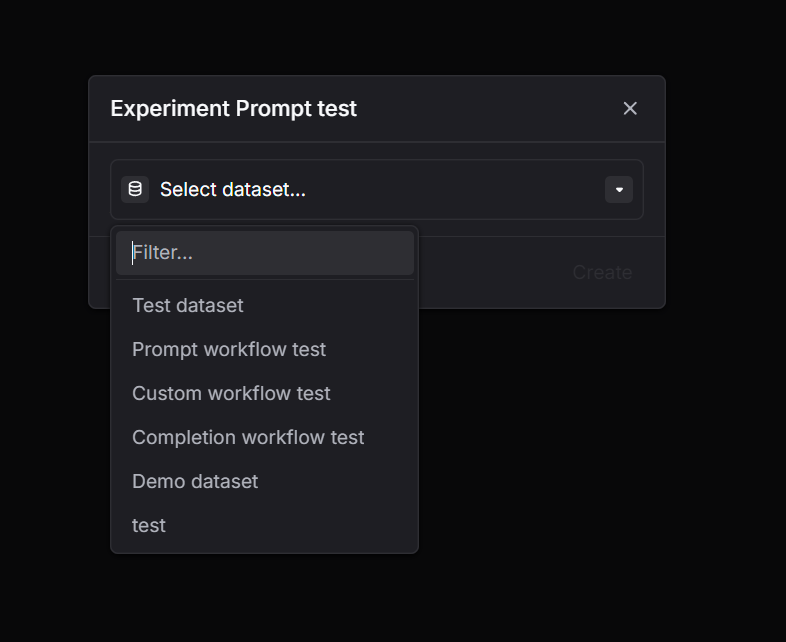
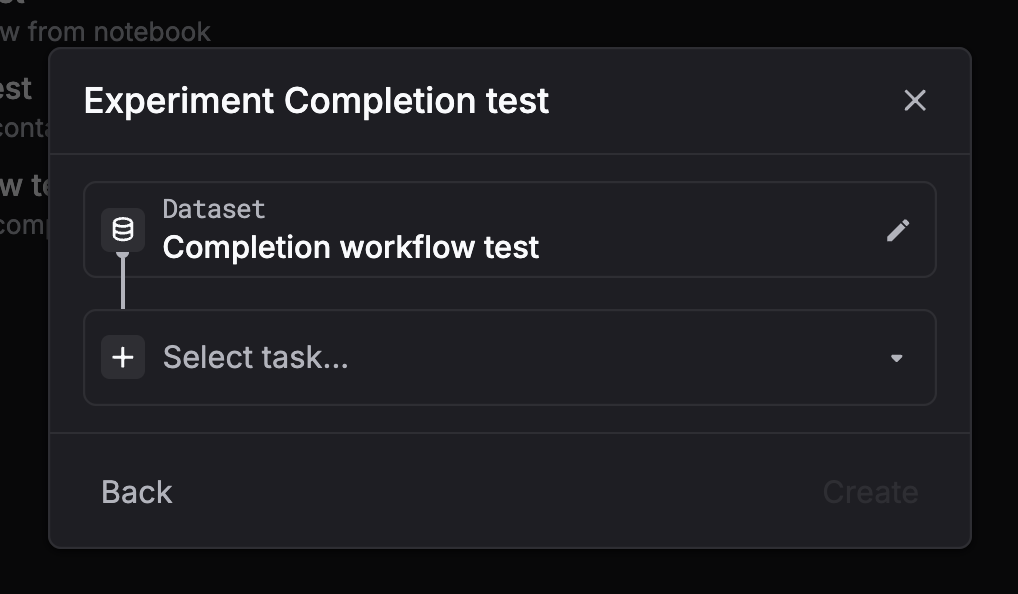
Step 2: Select a dataset
Choose the dataset you want to run on.

3
Step 3: Select task = Prompt
Pick Prompt as the task type.

4
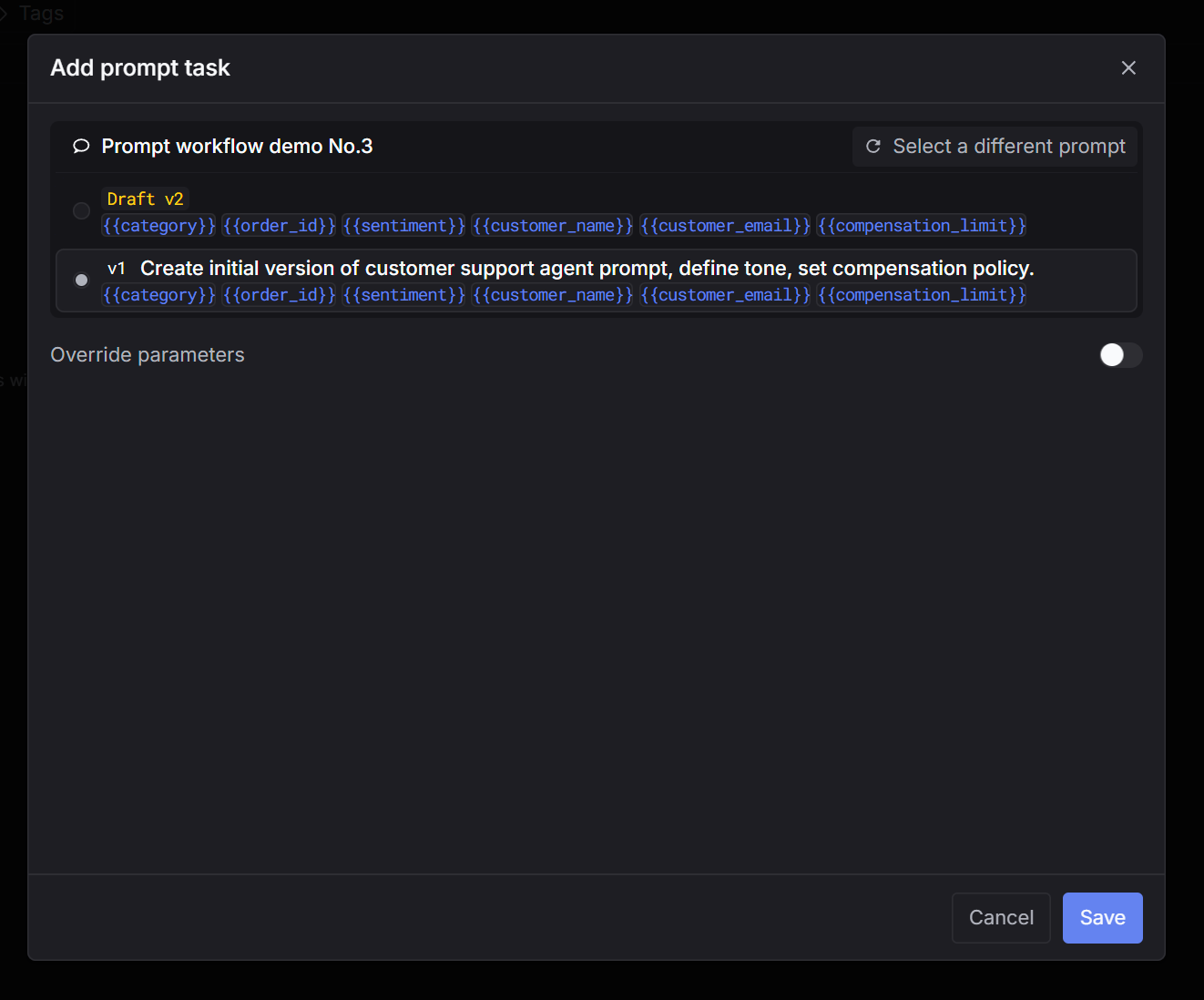
Step 4: Select a prompt
Choose the prompt you want to test (and the version if applicable).

5
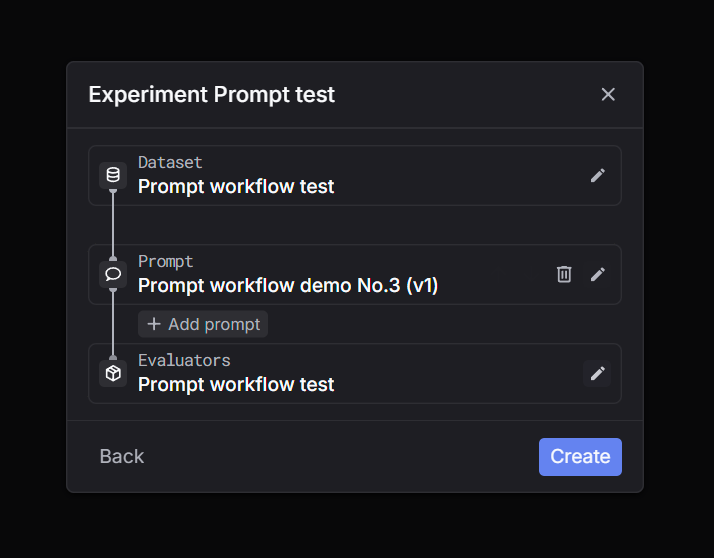
Step 5: Select evaluators
Select one or more evaluators to score outputs.

6
Step 6: Create and wait for the run to finish
Click Create. The run will process in the background. Wait until the status is complete, then inspect outputs and evaluator scores.