This section is for Keywords AI LLM gateway users.
Use Keywords AI Gateway to call Anthropic models while keeping unified observability (logs, cost, latency, and reliability metrics) in Keywords AI.

Prerequisites

  • A Keywords AI API key
  • An Anthropic API key (BYOK)

Supported SDKs / integrations

Configuration

There are 2 ways to add your Anthropic credentials to your requests:

Via UI (Global)

1

Navigate to Providers

Go to the Providers page. This page allows you to manage credentials for over 20+ supported providers.
Keywords AI Providers Page
2

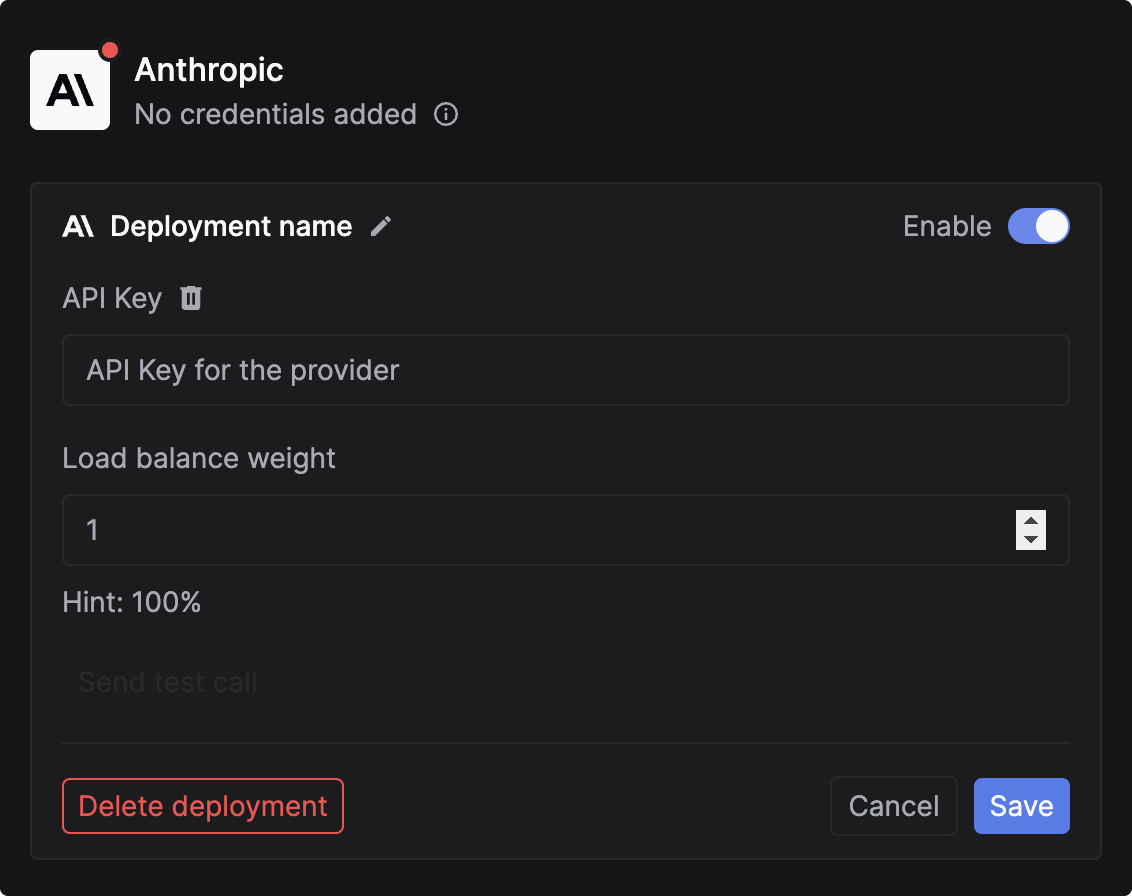
Add your Anthropic API Key

Select Anthropic and paste your API key.
Add Anthropic credentials

Via code (Per-Request)

You can pass credentials dynamically in the request body. This is useful if you need to use your users’ own API keys (BYOK). Add the customer_credentials parameter to your Gateway request:
{
  // Rest of the request body
  "customer_credentials": {
    "anthropic": {
      "api_key": "YOUR_ANTHROPIC_API_KEY"
    }
  }
}

Override credentials for a particular model (Optional)

One-off credential overrides. Instead of using what is uploaded for each provider, this targets credentials for individual models.
{
  // Rest of the request body
  "customer_credentials": {
    "anthropic": {
      "api_key": "YOUR_ANTHROPIC_API_KEY"
    }
  },
  "credential_override": {
    "claude-3-5-sonnet-20240620": {
      "api_key": "ANOTHER_ANTHROPIC_API_KEY"
    }
  }
}

Log Anthropic requests

Monitor your Anthropic Claude API calls by logging requests and responses asynchronously. Track metrics like cost, duration, and performance for all Claude models including Claude 3.5 Sonnet, Claude 3 Opus, and more.
Anthropic Python SDK
import requests

url = "https://api.keywordsai.co/api/request-logs/create/"
payload = {
    "model": "claude-3-5-sonnet-20240620",
    "prompt_messages": [
        {
            "role": "user",
            "content": "What's the weather like today?"
        }
    ],
    "completion_message": {
        "role": "assistant",
        "content": "I don't have access to real-time weather data, but I can help you find weather information."
    },
    "cost": 0.00042,
    "generation_time": 1.8,
    "customer_params": {
        "customer_identifier": "user_456"
    }
}
headers = {
    "Authorization": "Bearer YOUR_KEYWORDS_AI_API_KEY",
    "Content-Type": "application/json"
}

response = requests.post(url, headers=headers, json=payload)

Get Started with Logging

Learn how to set up comprehensive logging for all your LLM requests