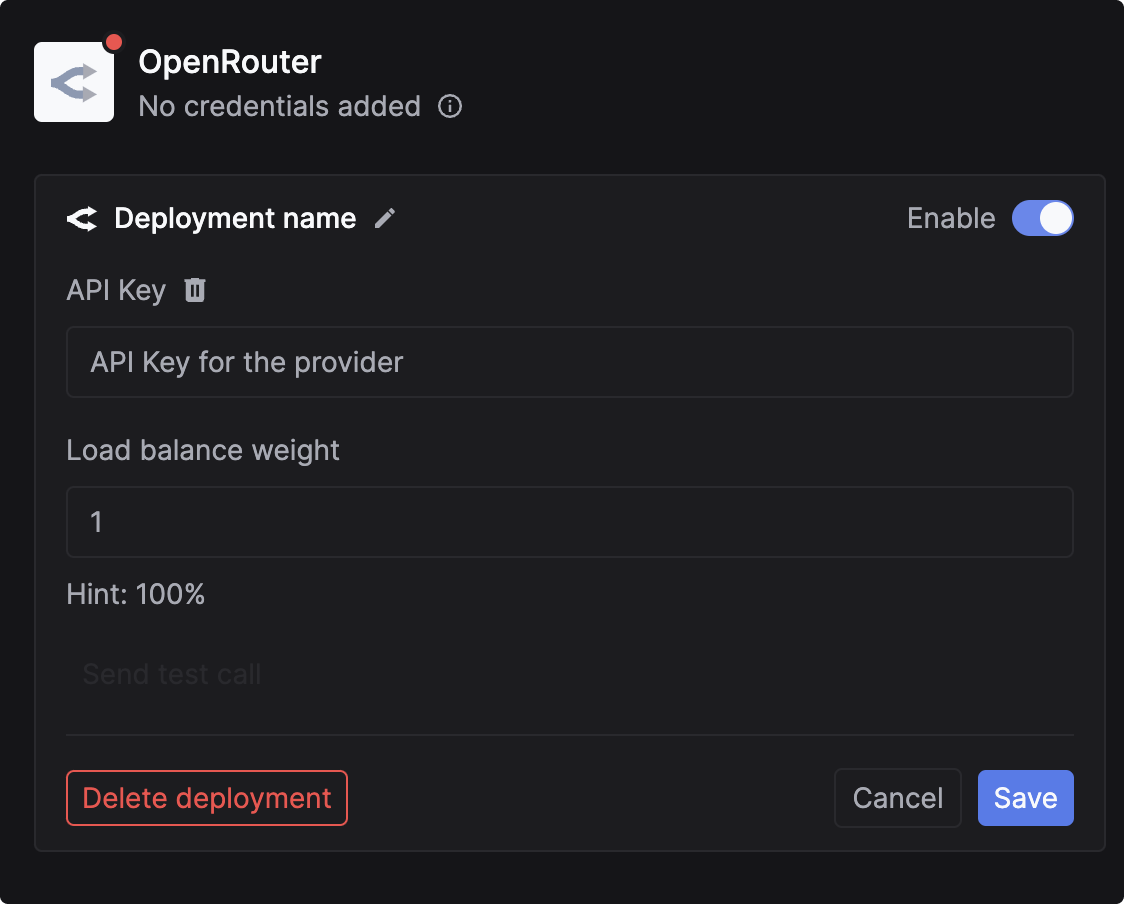
Route OpenRouter model calls through Keywords AI Gateway using your own OpenRouter credits.
This section is for Keywords AI LLM gateway users.
Use Keywords AI Gateway to call OpenRouter models while keeping unified observability (logs, cost, latency, and reliability metrics) in Keywords AI — and optionally charge usage to your own OpenRouter credits.
You can pass credentials dynamically in the request body. This is useful if you need to use your users’ own API keys (BYOK credits).Add the customer_credentials parameter to your Gateway request:
Copy
{ // Rest of the request body "customer_credentials": { "openrouter": { "api_key": "YOUR_OPENROUTER_API_KEY" } }}
If you are not using the Gateway to proxy requests, you can still log your OpenRouter requests to Keywords AI asynchronously. This allows you to track cost, latency, and performance metrics for external calls.